LASI
IC Layout for Windows
at CMOSedu.com
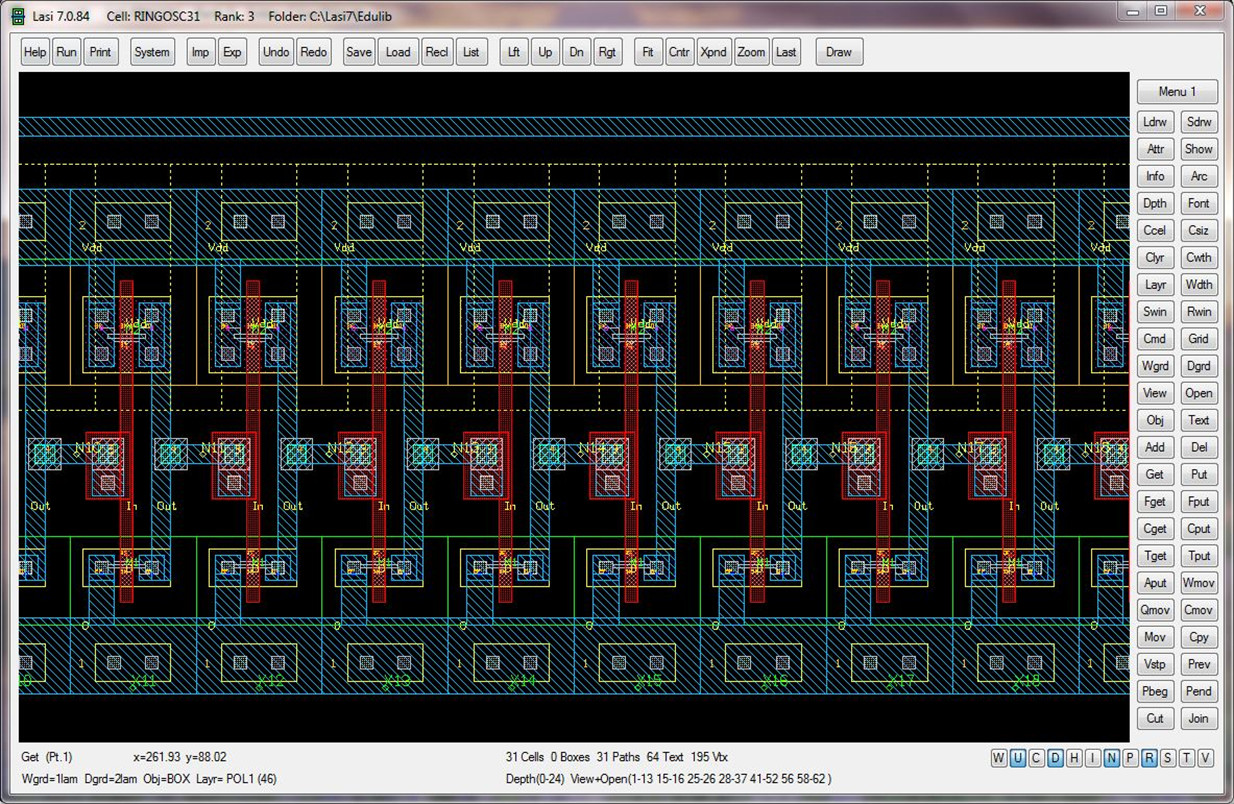
LASI (LAyout
System for Individuals, pronounced "LAZY") was written by Dr. David E. Boyce.
Installation
Run
the installation program downloaded from the LASI Home Site.
For addons, examples, and setups see
here
(LASI home
site) or here
(CMOSedu site).
The
pages discussing using LASI from the second edition (2005) of CMOS are
seen in winlasi.pdf
(30 pages).
To
Get LASI Help
Clicking
on the LASI Help Windows desktop icon pops up the
LASI Help system.
When
in a drawing, clicking the "Help" or "?" menu button also pops
up the LASI Help system.
To manually set up a
design directory and a desktop ICON to
run LASI out of an arbitrary design directory
(A design directory
cannot be C:\LASI7 where the system
executables are located!)
- Make
a folder that will be the design
directory for a chip. Let's call this directory C:\Mychip
- Copy,
into this folder, an entire design
directory from some other location or just the setup files (*.usf) and dbd (*.dbd). LASI will generate
these files if the
directory is empty with default fill and colors for the layers.
- Right
click on the desktop select
"new" then "shortcut". Use the browse feature to select
C:\Lasi7\Lasi7.exe
- Type
the name of the ICON. Let's use
"My Chip Design" for the name. An Icon appears on the desktop after
you hit “Finish.”
- Important! Right click on the
new desktop icon.
Select C:\Mychip (the design directory) as the start-in design
directory.
A
version of LASI in DOS is located here
(for reference
only, not supported).
Return to:
CMOS Circuit
Design, Layout, and
Simulation
CMOS Mixed-Signal
Circuit Design